If you receive thousands of invoices in a year, but find that invoices in e-mails are disappearing and you are bored by entering invoices manually - then Compello is the service for you.
Invoices are imported straight to your ERP system with automation and AI. You can cut all manual tasks that comes with receiving an invoice and have a more efficient workday!
PEPPOL BIS
Supports most formats
(PEPPOL BIS og EHF 3.0)
from 2 weeks
implementation
in the cloud
always latest version
99,7% uptime
stabil service
No more paper invoices
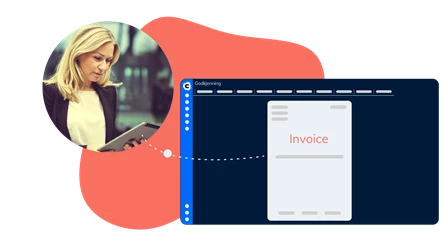
Compello scans and converts your invoices to a digital format and send them to your ERP system.
Compello reads and interpret your invoices with one of the industry's best digital invoice readers (OCR).
Interprets most documents
Compello invoice reception can receive and interpret most documents. In addition to invoices and credit notes, the service receives product catalogs, orders and other types of trade messages such as reminders, travel invoices, agreements and letters.
Avoid late fees
No more invoices past due. All your received invoices are sent straight to your ERP system, so you wont forget to pay it in time.
How does Compello Invoice Receipt work?
To get started with our invoice receipt, you need an access point, to receive all digital invoices and documents.
.webp?width=200&height=113&name=image%20(3).webp "image (3)")







.webp "image (1)")